

You performed a Compare or Combine and you’re not seeing the changes you think should be there or there are so many differences that you can’t find the changes you’re looking for in the docs. First go back and restart the process but swap the documents. Whatever was your original make your revised and vice versa. If that doesn’t work, click the More button on the popup.
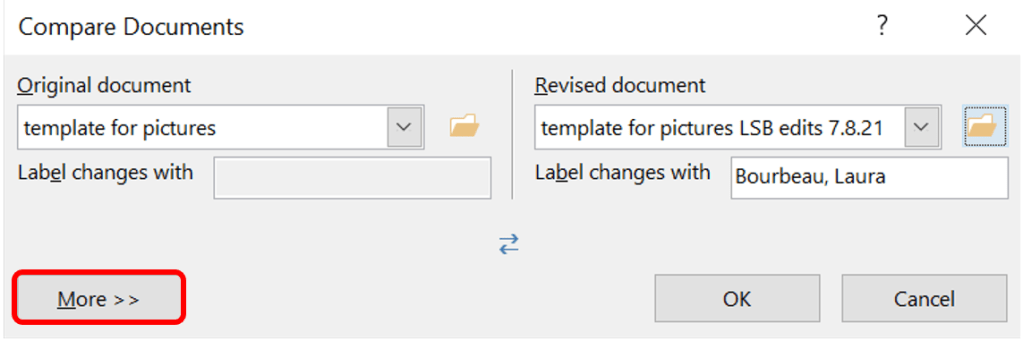
The window will expand as the More button will transform to a Less button. I recommend unchecking nearly all the boxes except Moves and Comments as the others are normally uncommon or often undesired. This should assist with finding changes when Word gets confused and thinks everything changed.

 Ryn Nicol