
Tag: Headers
-
Hiding/Unhiding/Showing Headers or Footers

If for some reason you don’t want to see your headers and footers, or if you open a document and you can’t see them, first confirm that you are in the Print Layout by going to the View ribbon. Then, in the Views group, confirm that Print Layout is darkened. Now, hover your mouse pointer…
-
Different Headers and Footers for Sections or Linking
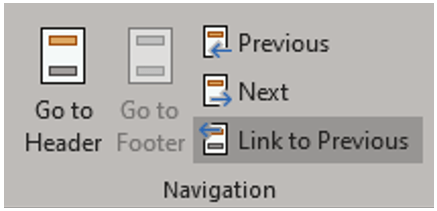
When you divide a document into sections, Word uses the headers and footers in the first section as the default for every subsequent section. All headers in the document and all footers in the document are initially connected so that their contents are identical. If you change the header in any section of the document,…
-
Header & Footer Options
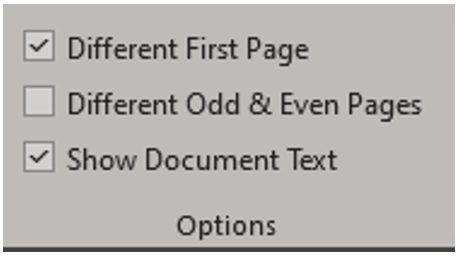
First Page Headers and Footers To create a different header or footer for the first page of a document or section, on the Header & Footer toolbar in the Option group check the Different First Page checkbox. If necessary, click the Next or Previous buttons to move to the first page header or footer in the…
-
Aligning Headers and Footers
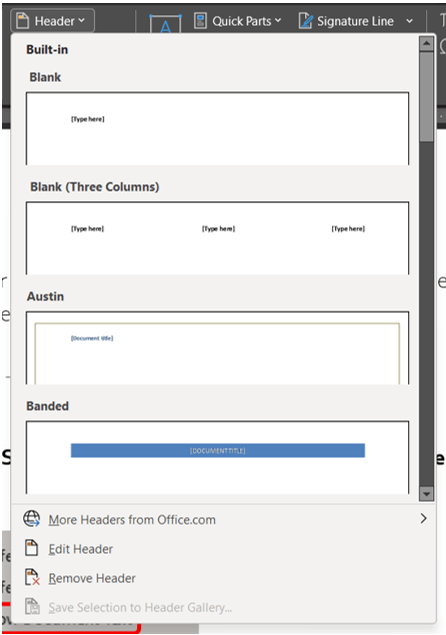
Adjust Horizontal Alignment of Headers and Footers You may want to change the horizontal position of headers and footers, which can be done by: Centering the header or footer between the left and right margins Aligning it with the left or right margin Running the header or footer text into the left or right margin The…
 Ryn Nicol