
Category: Word
-
Now Let’s Get in Formation

This week I’ve been talking about Styles. What it is and the various types. Today we’ll be discussing how to create, modify, and delete sytles. Creating and Modifying Styles If you want formatting choices that are not available from the built-in styles (like most of humanity) you can create custom styles to suit your requirements.…
-
Style Types

Continuing our conversation about Styles, today we’ll dive into the various types of Styles. The Normal Style The Normal style is a preloaded style from the normal style set as included in the normal template. Clear as mud? By default, Word automatically applies the Normal paragraph style to all text in blank, new documents. Similarly,…
-
It’s Always About Style
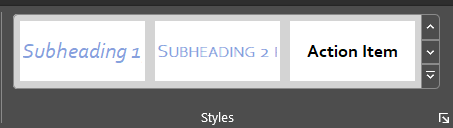
This week let’s talk about Styles. What are they, why are they important, how and when are they helpful, and where do you find them? What is a Style? A style is a rule we create in Word based on a set of formatting characteristics, such as font name, size, color, paragraph justification, and even…
-
AutoSave is Killing Me
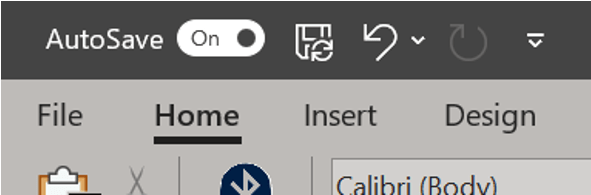
Sometimes our file is big and saving often means waiting a lot and often. Sometimes, we forget about saving and think we’ve lost all our work but AutoSave rescued us. By default, Word automatically saves your document at set intervals as part of the AutoSave feature. Not sure if you have AutoSave on? Look to…
-
Program Your Own AutoCorrect
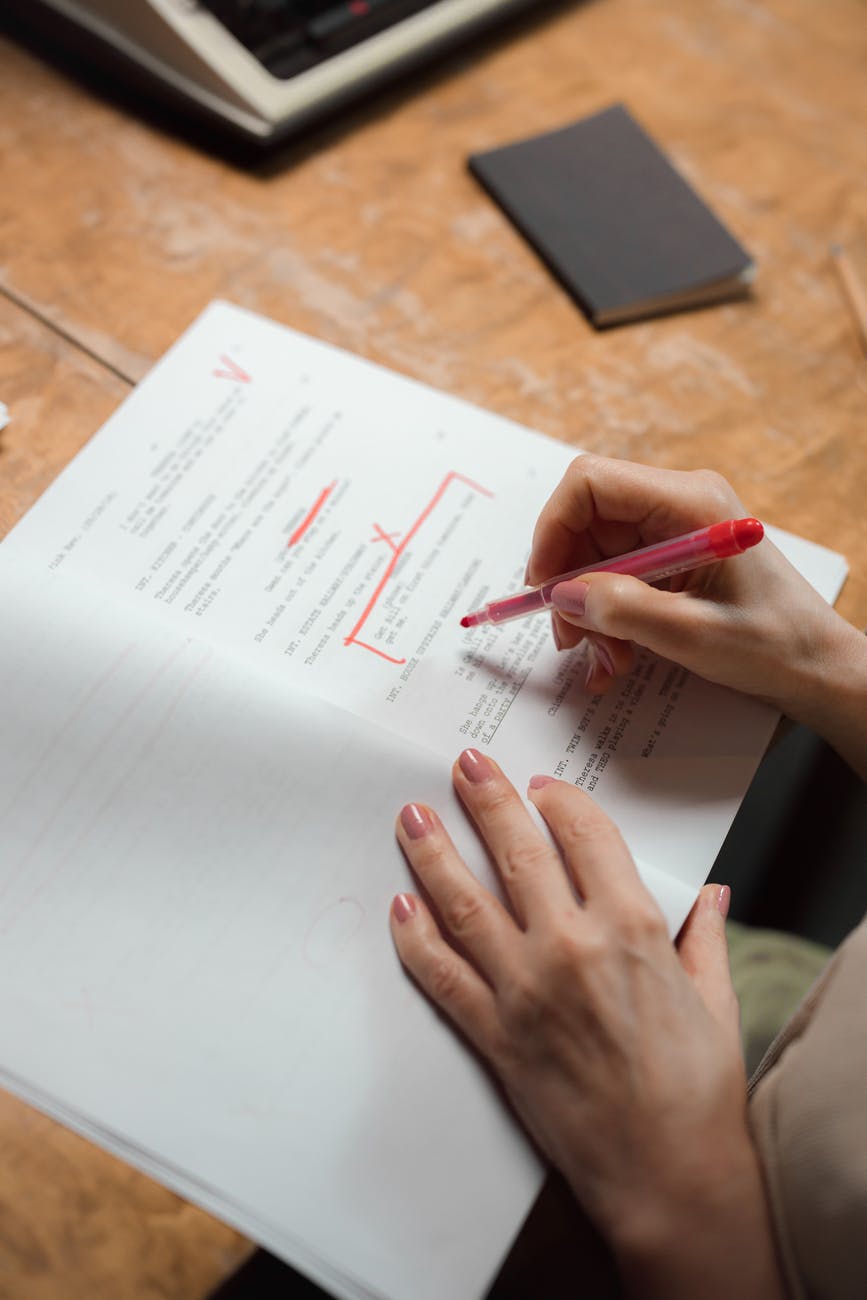
Did you know you can customize autocorrect? Don’t like what it changes? Want to add what it changes? You can remove, replace, or add words that the program updates by going to the File tab and choosing Options. This will launch the Word Options menu. On the left click Proofing, then click the button for…
-
Footnote Separator Errors

Sometimes when dealing with footnotes, the separator (that line above the footnote text) isn’t landing quite where you want it. Maybe it’s giving you too much space. You know that no amount of changing the margins is fixing this problem because it’s not related to the margins at all. This is an easy fix despite…
-
Hidden Pictures

So you read about hidden text and now you’re feeling all advanced and power and thinking, but could that work with pictures? Yes. If you want to hide an image, insert the image first. The image must have In line with text wrapping applied to it. This will not work with other wrapping options. Now…
-
Hidden Messages
Did you know your document can include hidden text? Like invisible ink, the message only appears if you know the secret. Sounds silly, immature, possibly get you fired for screwing this up, right? Perhaps, but let’s indulge. Why even have this option? Isn’t the point of a Word document to communicate everything in the file?…
 Ryn Nicol