
Category: Basics
-
Bad Code or How to Make Everyone’s Life Including Your Own More Difficult
Have you ever seen a document where people hit the return button repeatedly at the end of a page to move it to the next line? Or pressed the tab button over and over then the spacebar to get their text to line up with a specific item? You know, like this: This type of…
-
Replace All Fonts at Once
Are you in a personal hellscape working on a collaborative presentation where everyone has sent you slides and all of them used different fonts? Sure, you sent them a template, but people decided to be creative and now this thing looks like an ugly patchwork. Or maybe life is less dramatic and you decided you…
-
Quick case change

Ever have a sentence or phrase that you need in all caps? Or maybe it’s a title and you need each word capitalized? Rather than retype, select the section you want to change. On the Home ribbon in the Font group, click the drop-down menu for the Change Case menu. Depending on the option, this…
-
Can PowerPoint Do Math?
Say you’ve put together a business case and you’ve included your beautiful graph that you built-in Excel into your presentation to prove the savings behind your proposal. Then your boss says, can you show your math? Rather than present all the data and how you came up with your numbers, you can display the formula…
-
Display Settings in PowerPoint

If you want to change your view, you likely go to the View ribbon. If you want to start your presentation you likely go to the Slide Show ribbon but there’s a quicker way. Look to the bottom right of the PowerPoint window and you’ll see this little bar. This first option expands the Notes…
-
Whatever Happened to Reveal Codes? Or How Does Show/Hide Work?
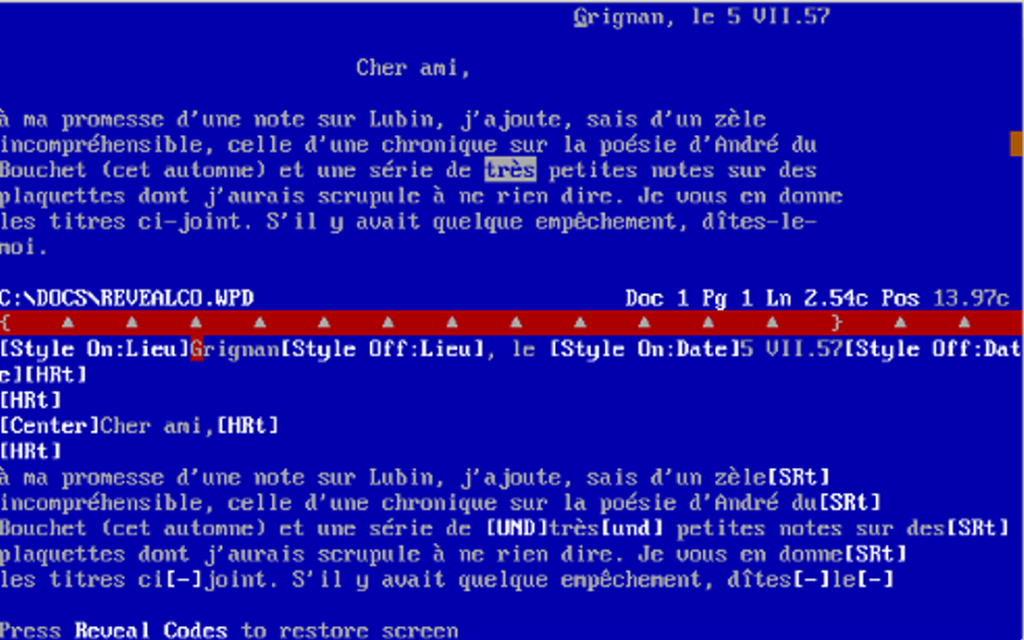
First a bit of history and no, you’re not about to get a lesson in programing languages—well you sort of are. Ok for clarity you are not about to see a bunch of jibberish that only people who live in their mother’s basement understand. Show/Hide and Reveal Codes are tools to help provide you visuals…
-
Ruler
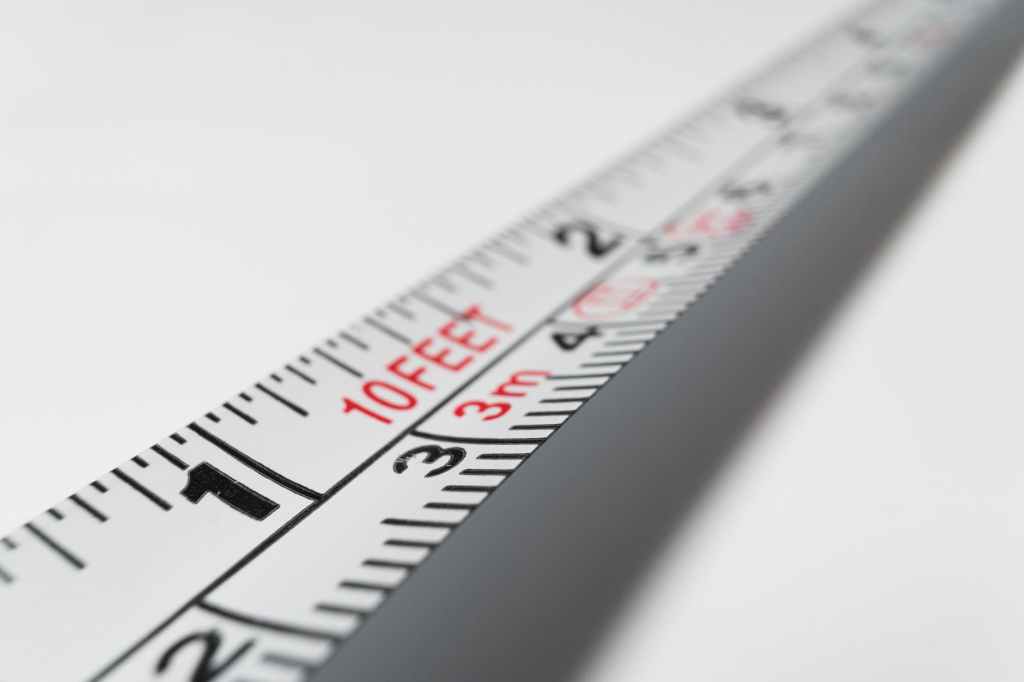
Did you know there’s a ruler in Word? It’s a simple tool that aids in formatting your document from assisting in the alignment of text, tabs, tables, graphics, and even margins. If the ruler doesn’t automatically appear when you open a document, go to the View ribbon. From the middle of the ribbon, you’ll see…
-
Removing that annoying paste box

Ever copied and pasted something in your document only to have text you need to review covered by an annoying paste box? Like, I just pasted that. Why are you prompting me again? How do I get rid of you? I can’t read what’s under you. To remove this box, press the Esc key. Yes,…
-
Dark Mode

As you read through this guide, you may notice that my images may be a little different from your screen. All of my ribbons are gray. That’s because when I’m working, I like darkness and a screen that doesn’t blind me. Think of me as one of those movie monsters who can’t handle the sun…
-
Keyboard shortcuts for Word

Do you use your mouse for every action? Back in the bad old days, we didn’t have a mouse like these darn kids today, who, now that I think of it, use their phones for everything. Anyway you’re using a computer and all Microsoft products recall a time when using a mouse wasn’t an option.…
 Ryn Nicol