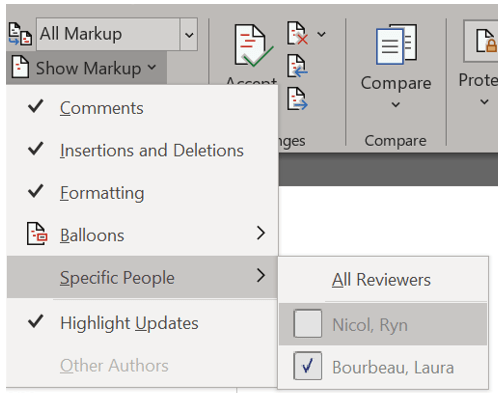
From the Review ribbon in the Tracking group, expand the Show Markup dropdown menu, where you may enable or disable specific options if you only need to review certain types of changes or changes from specific reviewers. For example, if you want to observe any changes regarding insertion or deletion of content, then disable (uncheck) Comments and Formatting and leave Insertions and Deletions checked.
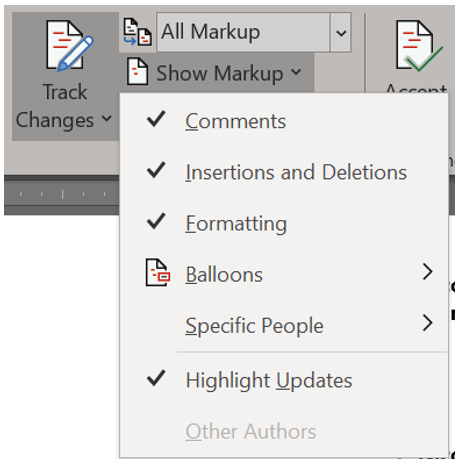
If you want to only view changes by a specific reviewer, use the Show Markup dropdown menu, go to Specific People, and disable (uncheck) all those who you do not want to see.