

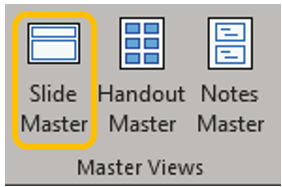
If you need to alter the page/slide numbering to start at a number other than one, go to the View ribbon, in the Master Views group, open Slide Master.
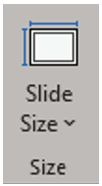
This will open the Slide Master tab, where under the Size group, open the dropdown for Slide Size.
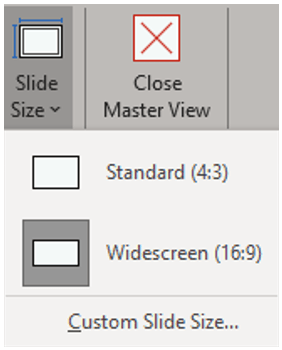
Click Custom Slide Size. (Super intuitive so far, right? This is totally where you thought you’d go.)
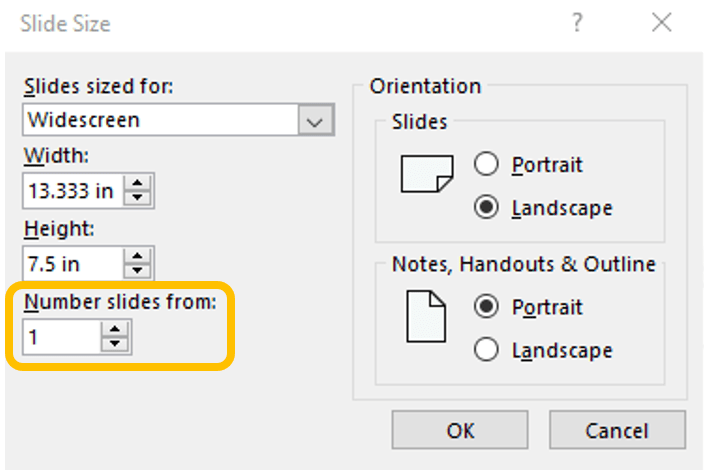
This will open the Slide Size dialog box. On the left side of the dialog box at the bottom, either type or use the buttons to change the beginning slide number.
Click Close Master View in the Close group of the Slide Master tab.

 Ryn Nicol