

There are two ways to rotate an image:
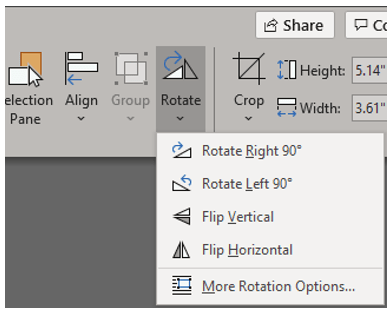
- Fixed rotation: Use the Rotate option found in the Picture Format tab Arrange group. From the menu, you can choose to rotate the image 90 degrees to the left or right or to flip the image horizontally or vertically.
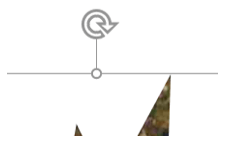
- Free rotation: Use the mouse to grab the rotation handle at the top of the image. Drag the mouse to twist the image to any angle.
 Ryn Nicol