

You likely work for a company that has preferred fonts or colors. Or maybe you’re just particular. You can set the use of these on the source slides.
Note: if your company uses a custom branded font that is not standard in Microsoft these changes will not work in a template file unless the individual using the template has the branded font installed on their machine.
Start by selecting the source slide layout or the Master Slide at the top of the left slide while in the Slide Master view. Then select either the text or textbox and as you would on a normal slide, set the formatting. You can do this with any of the Placeholders where text is an option.
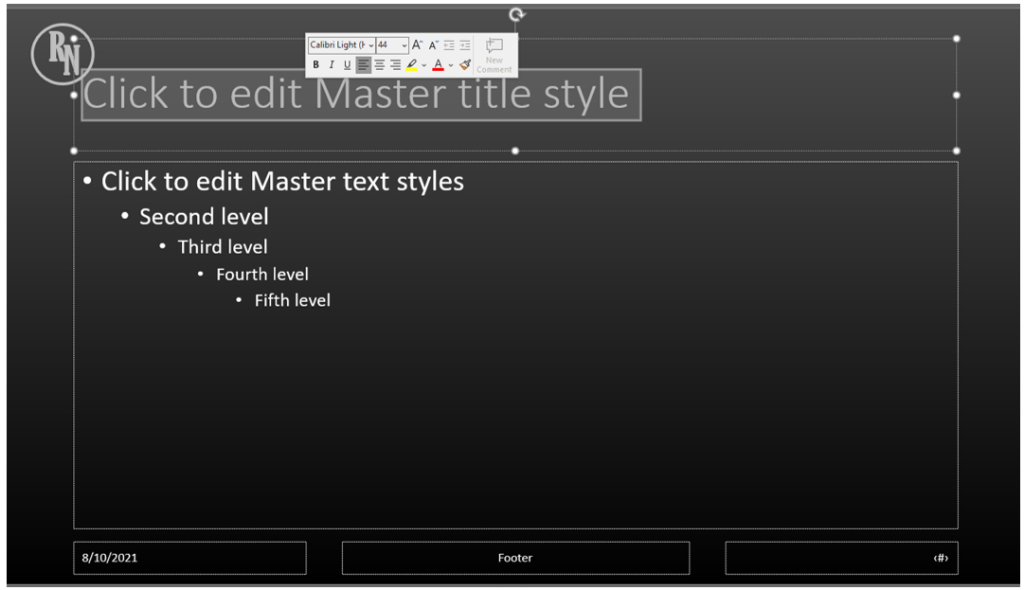
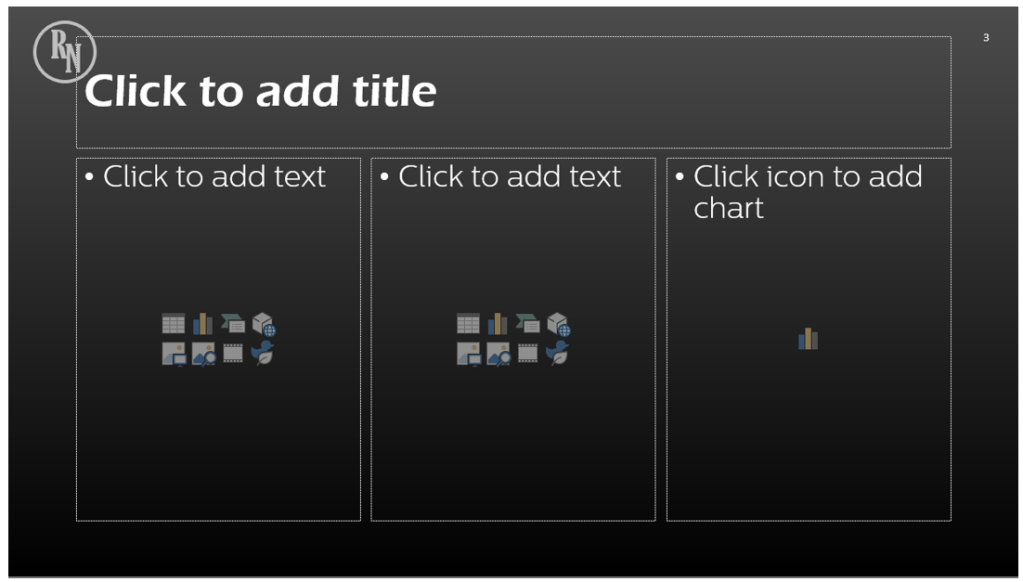
You can go back to your normal slide to see your changes in action.
 Ryn Nicol