
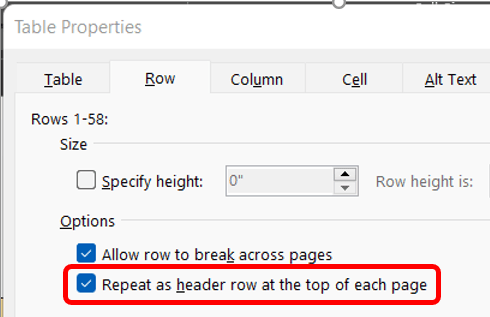
This week’s reader request for help involved a multi-page tale where the builder wanted the header row to repeat on each page. Easy enough. Click into the table then on the (table) Layout tab in the Table group click the Properties button.

This prompts the Table Properties dialog box which opens on the Table tab.

Click over to the Row tab where you’ll click on the last checkbox labeled, Repeat as header row at the top of each page.
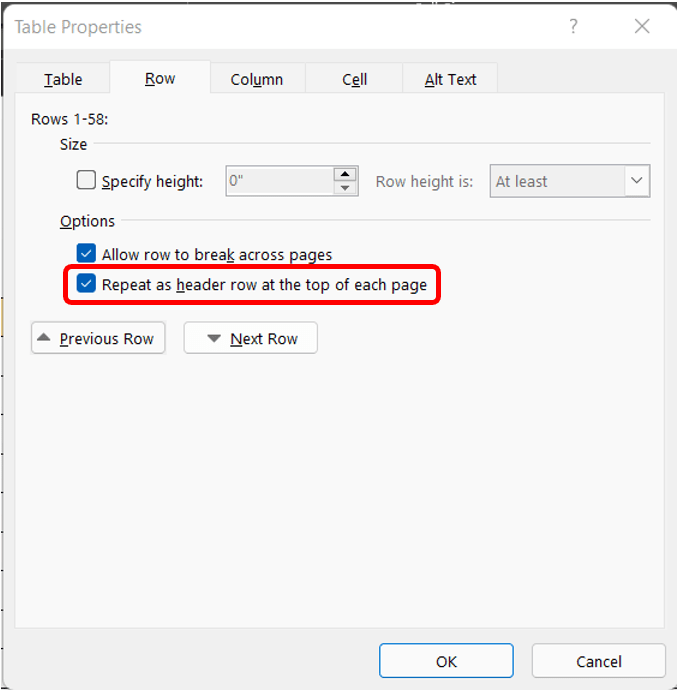
Click OK and that should work. If it doesn’t work, which in the example it likely won’t work, go back and reopen the Table Properties. On the Table tab the text wrapping is likely set to Around. Change it to None. Now the header row should repeat on each new page.

 Ryn Nicol