

As people make changes, such as deleting content, Word automatically strikes through the text and changes the color of the text. When a user changes the font options such as making something bold or italic, a balloon will appear at the right margin of the window.

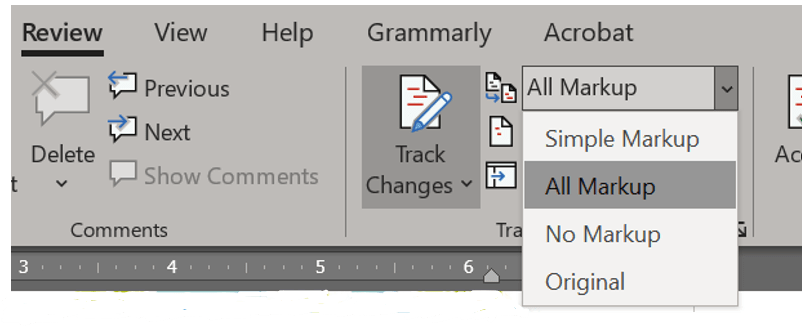
If markups such as these get to be too many and you just want to see the old or final version of the document, or if you want to revert to the original document, use the Display for Review dropdown, in the Tracking group, to specify how you want to see the document. You can identify this menu by looking for the text “All Markup.”
 Ryn Nicol