

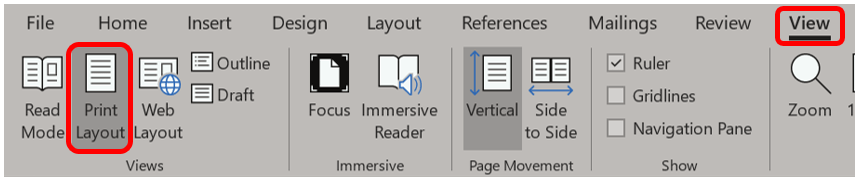
If for some reason you don’t want to see your headers and footers, or if you open a document and you can’t see them, first confirm that you are in the Print Layout by going to the View ribbon. Then, in the Views group, confirm that Print Layout is darkened.
Now, hover your mouse pointer between pages until it changes into this funny little icon, then double-click.

Your headers and footers will disappear. If you merely see a line between pages and no headers or footers, hover over the line until you see that icon and double-click.
 Ryn Nicol