

If you closed your document by accident without saving, or maybe you lost power, or the computer unexpectedly turned off because you spilled your margarita on it while “working” from the beach, you can recover unsaved documents. Go to the File tab and choose Info from the left side bar. You may need to scroll, but then chose the button next to Manage Document. From the dropdown menu chose Recover Unsaved Documents.

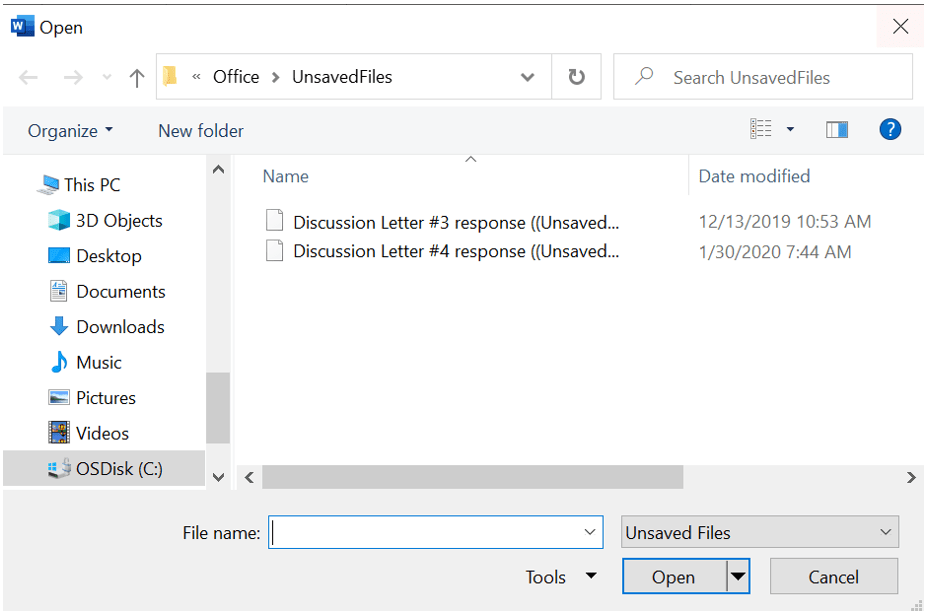
If any unsaved files exist, they will be listed on the Open dialog box.
 Ryn Nicol