
Some of the great unanswered questions of life, the universe, and everything else are: “Why is Word asking about something called Normal.dotm?” “What does it mean error to Normal.dotm? I didn’t do anything,” and “Why did Microsoft change the Normal.dot template of Word to Times New Roman 14 with extra spacing and multiple lines?”
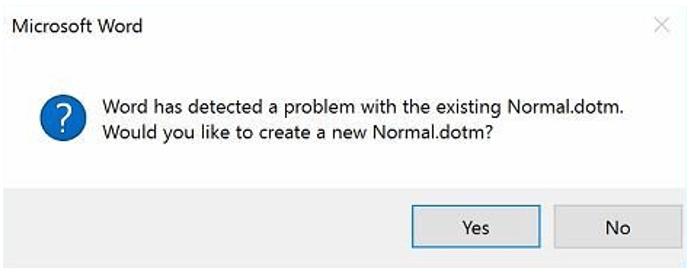
First, let’s understand what the template is. The Normal template (aka Normal.dotm) is a “blank” document that opens whenever you start Word. It is the basis for which all documents are spawned. The great mother document if you will. It includes default styles and customizations that determine the basic look of a document. When you make any changes (e.g., fonts, margins, spacing, any of the same commands and features you use to change a document) to the Normal template (not the document but the template), it will be applied to any documents you create/initiate in the future.
If the Normal template is renamed, damaged, or moved, Word automatically creates a new version (which uses the original default settings) the next time that you start Word. The new version will not include any of the customizations that you made to the version that you renamed or moved. It assumes those changes are part of a new document, a child of the great mother, Normal.
If when you quit Word, you are prompted to always save the changes to your global template, Normal.dot or Normal.dotm you can turn off the prompt. Word may still have a problem though either with a virus or an incompatible add-in. Your IS/IT department should be able to help troubleshoot.
 Ryn Nicol