
Say you’ve put together a business case and you’ve included your beautiful graph that you built-in Excel into your presentation to prove the savings behind your proposal. Then your boss says, can you show your math? Rather than present all the data and how you came up with your numbers, you can display the formula you used. On the Insert ribbon, in the Symbol group, when you click the dropdown for Equation you can either chose from the presets, find more online, or insert your equation.
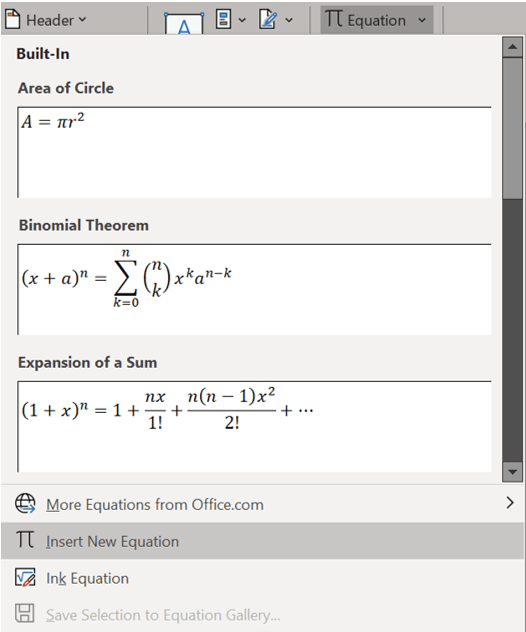
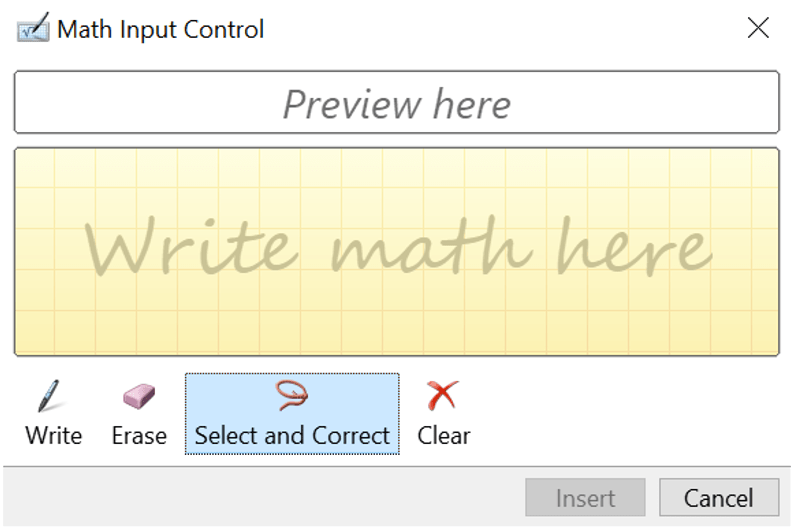
There’s also an option to Ink Equation which means you’ll use the mouse to draft the equation and the computer will figure out from your handwriting what letters you meant. It’s mostly intuitive.
If you chose Insert New Equation, the Equation tab will open. From here you can choose Symbols or use the Structures group to choose preset functions such as square roots or fractions.

 Ryn Nicol